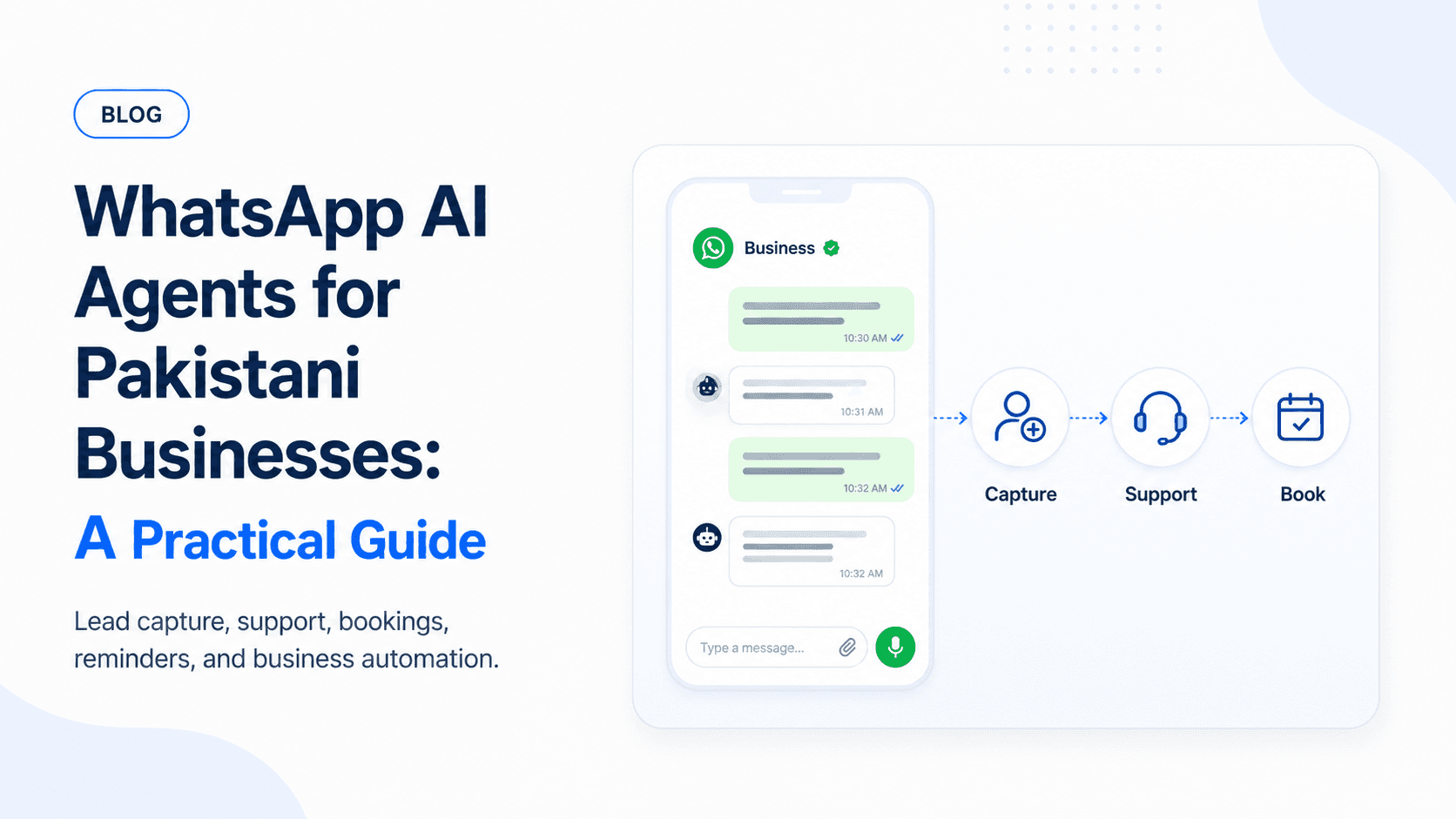
For many Pakistani businesses, WhatsApp is the real front desk. Customers ask questions, send screenshots, book appointments, negotiate prices, and follow up there before they ever visit a website.
That makes WhatsApp AI agents for Pakistani businesses a practical automation opportunity.
The best WhatsApp AI agent does not feel like a generic chatbot. It understands the business, asks the right follow-up questions, knows when to stop, and hands the conversation to a human with useful context.
What a WhatsApp AI agent can do
A useful WhatsApp agent can:
- Answer common questions
- Capture leads
- Qualify buyers
- Book appointments
- Send reminders
- Share product or service details
- Escalate to a human when needed
- Update a CRM or spreadsheet
The goal is not to remove humans. The goal is to handle repetitive conversations instantly and organize the work for your team.
In practice, that means the agent should reduce missed messages, speed up first replies, and make sure staff are not starting every conversation from zero.
Best business use cases in Pakistan
Clinics
Book appointments, confirm timings, send reminders, and answer operational questions.
Clinic flows should stay administrative: timings, services, booking, rescheduling, preparation instructions, and staff handoff. Medical advice should go to a human.
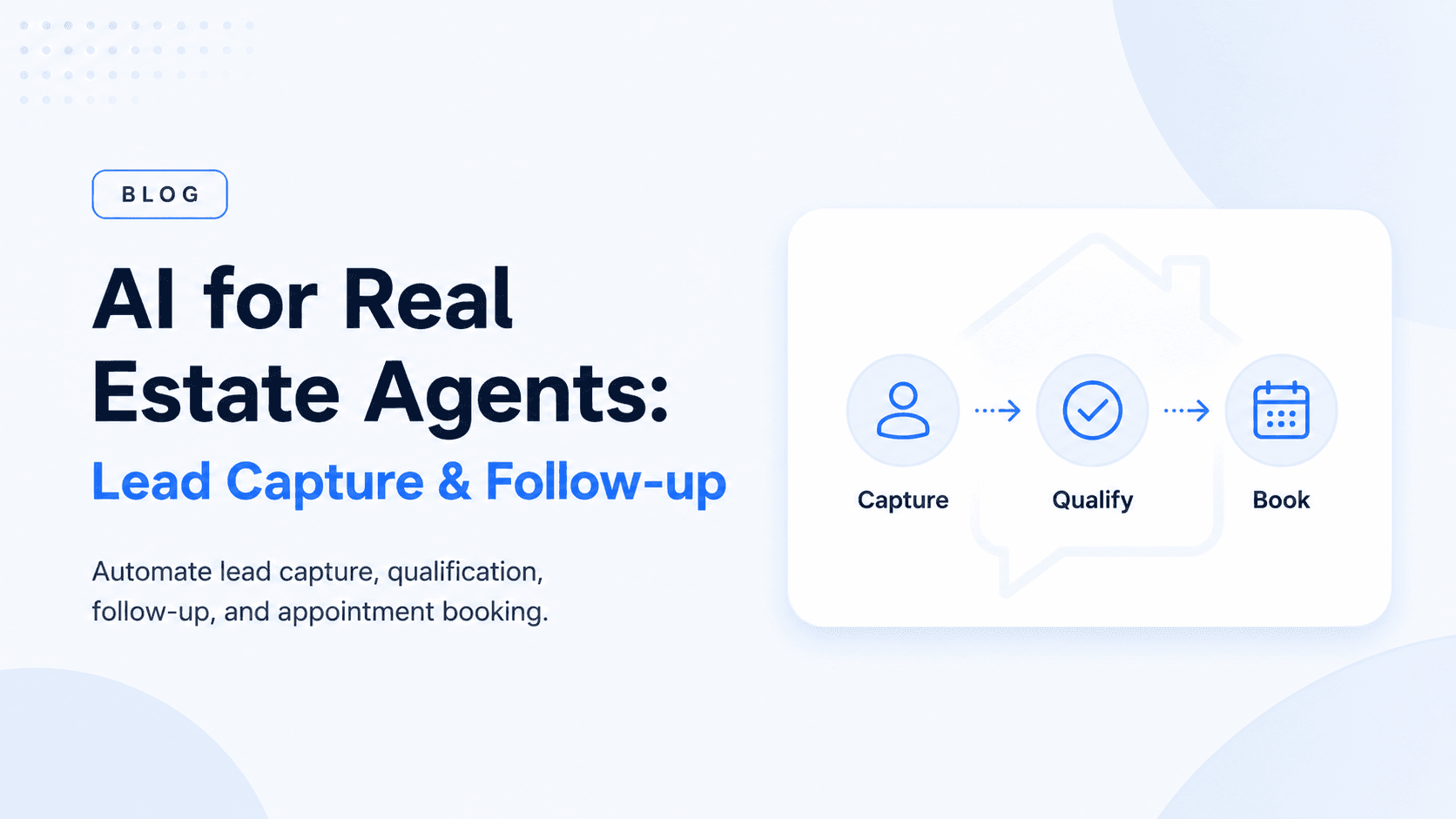
Real estate
Capture buyer preferences, recommend listings, and schedule viewings.
The agent can collect budget, area, property type, bedroom count, timeline, and preferred viewing time before routing the lead to an agent.
Car dealers
Answer availability questions, collect budget, and route qualified buyers to sales staff.
For dealerships, the agent can ask about model preference, price range, financing, trade-in interest, and test drive availability.
Education and training
Answer course questions, collect applications, and remind students about classes or payments.
Education workflows work well because many questions repeat: fee structure, class timings, location, eligibility, admission process, and payment deadlines.
Service businesses
Book consultations, confirm addresses, and follow up after missed calls.
This includes agencies, repair services, salons, home services, consultants, and local businesses that already close deals through WhatsApp.
What the first conversation flow should include
Start with one clear flow instead of trying to automate every possible chat.
A strong first flow includes:
- Greeting and business introduction
- Intent detection
- Basic lead capture
- Two or three qualifying questions
- FAQ answer from approved content
- Human handoff option
- Follow-up reminder
- CRM, sheet, or dashboard logging
For example, a real estate flow might ask:
- Are you looking to buy or rent?
- Which area do you prefer?
- What is your budget?
- When would you like to view properties?
- Should our agent call you or continue on WhatsApp?
The output should be a structured lead summary for the team.
Language and tone
Pakistani WhatsApp conversations often mix English, Urdu, Roman Urdu, and local business terms. The agent should handle that naturally.
Examples:
- "Price kya hai?"
- "Available hai?"
- "Location send kar dein"
- "Installment option hai?"
- "Kal appointment mil sakti hai?"
The tone should match the business. A clinic should sound calm and professional. A car dealer can be more direct. An education institute may need a more guided, helpful tone.
WhatsApp Business API and integrations
For a production system, most businesses need more than a phone running WhatsApp Web. A reliable setup usually connects through WhatsApp Business API or an approved provider.
Useful integrations:
- CRM
- Google Sheets or Airtable
- Calendar or booking system
- Support ticketing tool
- Inventory or listings database
- Payment link provider
- Staff notification channel
- Analytics dashboard
Do not integrate everything in the first version. Connect the system that matters most for the first workflow: bookings, leads, support tickets, or inventory.
Human handoff
Human handoff should be easy and visible. Customers should never feel trapped in automation.
Escalate when:
- The user asks for a person
- The user is angry or confused
- The question involves medical, legal, or financial risk
- Pricing or negotiation needs approval
- The agent does not have enough information
- The conversation is high intent and sales should take over
A good handoff includes the customer name, phone number, intent, summary, answers already given, and suggested next step.
Privacy and consent
WhatsApp conversations can include phone numbers, addresses, screenshots, invoices, medical details, or payment information. Treat them as sensitive.
Important safeguards:
- Collect only what the workflow needs
- Avoid asking for unnecessary CNIC, card, or health details
- Store transcripts securely
- Limit staff access by role
- Make opt-out simple
- Follow WhatsApp template and messaging rules
- Do not expose customer details in public notifications
What to set up first
Start with a simple flow:
- Greeting and intent detection
- Lead capture
- FAQ answers from approved content
- Human handoff
- Follow-up reminder
- CRM or sheet logging
This gives value quickly without overcomplicating the first version.
What not to automate first
Avoid starting with high-risk or messy workflows.
Do not automate first:
- Final price negotiation
- Medical advice
- Legal advice
- Refund approvals
- Dispute handling
- Complex payment issues
- Anything your team still handles inconsistently
Start with lead capture, FAQs, booking, reminders, and staff routing. These are high-volume and easier to control.
Cost considerations
Cost depends on the WhatsApp provider, message volume, AI model usage, integrations, and number of flows.
A focused WhatsApp AI agent can usually start as a small automation project. More advanced systems with CRMs, payments, multiple branches, and analytics need a larger build.
Cost drivers include:
- Number of conversation flows
- WhatsApp Business API/provider fees
- Message volume
- AI model usage
- CRM or booking integrations
- Multilingual support
- Analytics and reporting
- Human handoff complexity
- Ongoing prompt and content updates
For most businesses, the safest first version is one workflow that saves staff time or increases qualified leads within the first month.
Metrics to track
Measure whether the agent improves operations.
Track:
- First response time
- Missed message reduction
- Qualified leads captured
- Bookings or appointments created
- Handoff rate
- Staff response time after handoff
- FAQ resolution rate
- Follow-up completion rate
- Customer feedback
If the agent sends many messages but does not create qualified leads, bookings, or faster support, the workflow needs refinement.
A practical rollout plan
Phase 1: Analyze current chats
Review real WhatsApp conversations and identify the top repeated questions and lead patterns.
Phase 2: Launch one flow
Start with booking, lead qualification, or FAQ handling for one business area.
Phase 3: Add handoff and logging
Send structured summaries to staff and log conversations in a CRM, sheet, or dashboard.
Phase 4: Expand carefully
Add more branches, reminders, integrations, and analytics once the first flow is reliable.
Build a WhatsApp AI agent
Ownex Labs builds WhatsApp AI agents for Pakistani and international businesses. Contact us to scope a workflow around your current WhatsApp conversations.