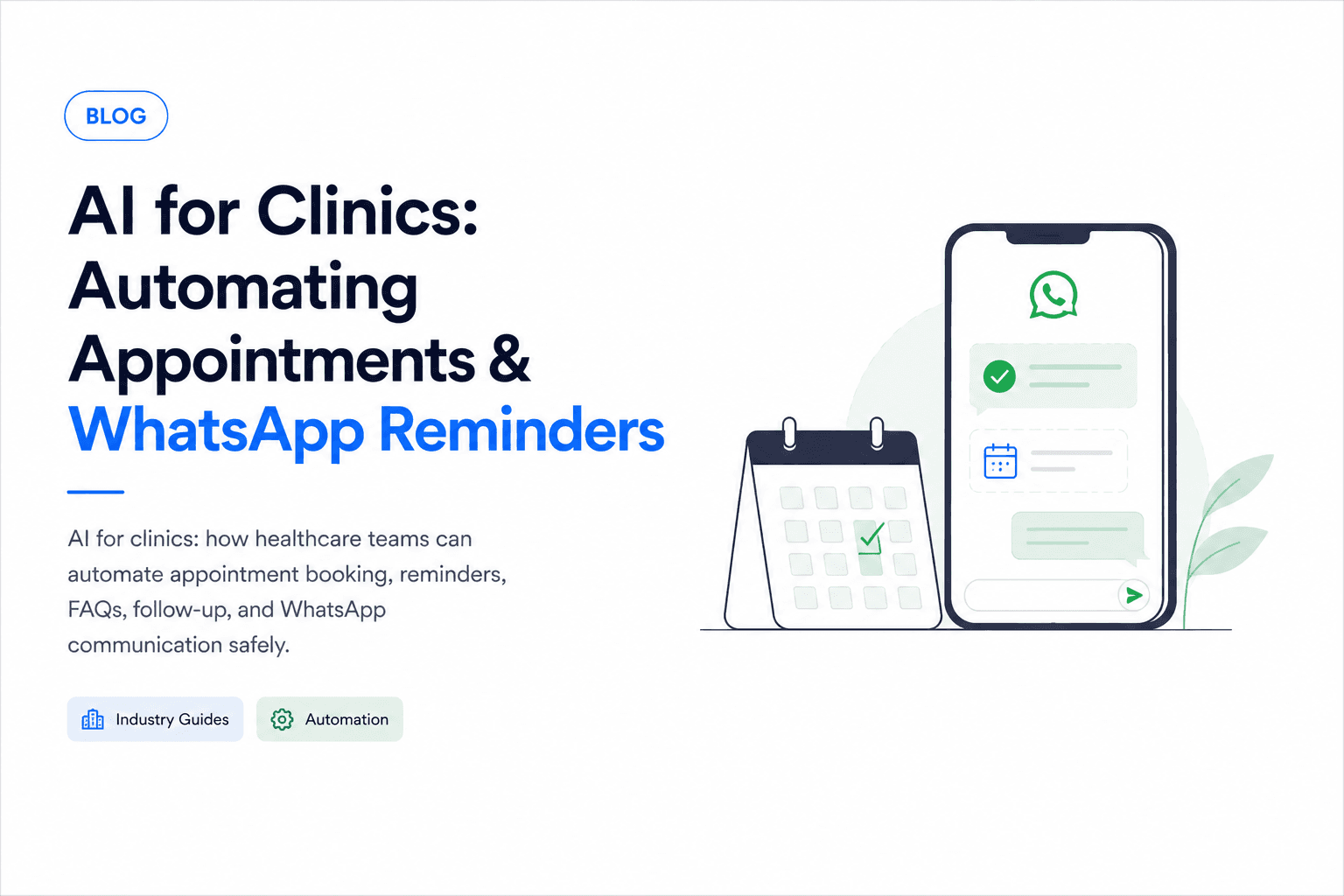
Clinics lose time to repetitive calls, missed appointments, and manual reminders. AI can help, especially when paired with WhatsApp and clear human handoff.
The best AI for clinics use cases are administrative, not medical diagnosis.
That distinction matters. A clinic assistant should help patients book, reschedule, prepare, and get routed to the right staff member. It should not pretend to be a doctor or replace clinical judgment.
Appointment booking
An AI assistant can help patients:
- Choose a service
- Check available slots
- Book appointments
- Reschedule visits
- Cancel appointments
- Receive confirmation messages
This reduces phone load and gives patients a faster way to act.
A better front-desk workflow
Most clinics already have a repeatable flow. Patients ask about timings, availability, fees, location, doctors, services, and preparation steps. Staff then confirms details, books the slot, and sends reminders.
AI can support that workflow by collecting the right information before staff gets involved:
- Patient name and contact number
- Preferred doctor or service
- Preferred date and time
- New or returning patient status
- Branch or location preference
- Payment or insurance question
- Notes the receptionist should review
Instead of replacing the front desk, the assistant gives the front desk cleaner requests and fewer repetitive calls.
WhatsApp reminders
In many markets, WhatsApp is the default communication channel. Clinics can use AI-assisted automation to send:
- Appointment confirmations
- Reminder messages
- Preparation instructions
- Follow-up prompts
- No-show recovery messages
The workflow should be consent-based and easy to opt out of.
Good reminder flows usually include multiple touchpoints:
- Confirmation message immediately after booking
- Reminder 24 hours before the appointment
- Reminder 2 to 3 hours before the appointment
- Follow-up message after the visit, if appropriate
The tone should be simple and calm. Patients should be able to confirm, reschedule, or ask for help without calling the clinic.
Reducing no-shows
No-shows hurt clinic revenue and create gaps in the doctor's schedule. AI-assisted reminders can reduce no-shows by making confirmation and rescheduling easier.
Useful no-show prevention tactics:
- Ask patients to confirm with one tap or short reply
- Offer rescheduling before the appointment time
- Send preparation instructions clearly
- Remind patients about location, parking, or documents
- Alert staff when high-priority appointments are unconfirmed
If a patient misses an appointment, the assistant can send a polite recovery message and offer available slots. This keeps the relationship open without adding manual follow-up work.
Patient FAQs
AI can answer operational questions such as:
- Clinic timings
- Location
- Consultation fees
- Required documents
- Available services
- Insurance or payment options
For medical advice, the assistant should escalate to clinic staff.
Safe boundaries for clinic AI
The assistant should have clear rules about what it can and cannot answer.
Safe answers:
- Clinic hours
- Appointment availability
- Service categories
- Consultation fees
- Location and parking
- Required documents
- General preparation instructions approved by the clinic
Escalate to staff:
- Symptoms that may be urgent
- Medication questions
- Diagnosis or treatment advice
- Test result interpretation
- Billing disputes
- Complaints or frustrated patients
- Requests involving children, pregnancy, or high-risk conditions
Privacy and patient data
Clinic automation should be designed around privacy from day one. Even simple appointment workflows can include sensitive personal information.
Important safeguards:
- Collect only the information needed for the workflow
- Store conversation history securely
- Limit staff access by role
- Avoid exposing patient details in notifications
- Keep audit logs for appointment changes
- Make opt-out instructions clear
- Follow local healthcare and data protection requirements
If the clinic uses a practice management system, the AI workflow should sync through controlled backend APIs instead of letting the model directly access or modify records.
Staff handoff
Patients should be able to reach a human quickly. Escalate when the patient describes urgent symptoms, asks for medical advice, disputes billing, or becomes frustrated.
A good handoff includes context, not just a notification. Staff should see:
- Patient's requested service
- Appointment preference
- Contact details
- Conversation summary
- Reason for escalation
- Recommended next action
This saves staff from asking the patient to repeat everything.
Post-visit follow-up
After the visit, clinics can use automation for simple administrative follow-up:
- Thank-you messages
- Review or feedback requests
- Follow-up appointment reminders
- Lab report pickup notifications
- Payment or invoice links
- General care instructions already approved by the clinic
Clinical follow-up should stay within approved templates. If the patient replies with symptoms, side effects, or medical concerns, the assistant should escalate.
What to automate first
The safest starting point is a narrow admin workflow.
Start with:
- Appointment requests
- Appointment confirmations
- WhatsApp reminders
- Basic FAQs
- Rescheduling and cancellation requests
Add later:
- Practice management system integration
- Multi-branch routing
- Doctor-specific availability
- Post-visit follow-up
- Patient feedback collection
- Staff dashboard and analytics
Metrics to track
Clinic AI should be measured by operational improvement, not by how many messages it sends.
Track:
- Missed call reduction
- Appointment booking rate
- No-show rate
- Reminder confirmation rate
- Average response time
- Reschedule rate
- Staff time saved
- Escalation volume
- Patient satisfaction
How to start
Start with appointment booking and reminders. These workflows are clear, measurable, and valuable without taking medical risk.
After that, add FAQs, post-visit follow-up, and simple admin automations.
For the first version, keep the assistant read-only where possible and use staff approval for anything that changes patient records. Once the clinic trusts the workflow, you can connect deeper systems step by step.
Build clinic automation safely
Ownex Labs can help clinics automate appointment booking, WhatsApp reminders, and patient communication. Contact us to scope a practical first workflow.