Founders hear "AI agent" everywhere, but the term is overloaded. This guide explains what an AI agent is, how it differs from a chatbot, and when it makes business sense to build one.
The simplest definition: an AI agent is software that can take a goal, reason through the next steps, use tools, and produce an outcome with the right level of supervision.
That last part matters. A production agent is not just a clever prompt. It is a workflow system with permissions, data access, monitoring, and fallback behavior.
AI agent vs chatbot
| Chatbot | AI agent | |
|---|---|---|
| Primary output | Text replies | Actions + outcomes |
| Uses tools | Rarely | Core capability |
| Goal handling | Single turn | Multi-step plans |
| Best for | FAQs, onboarding | Workflows, ops, support |
A chatbot answers questions. An agent does work, with supervision appropriate to the risk level.
For example, a chatbot can explain your refund policy. An agent can check the order, compare it against policy, draft the refund response, create a support note, and ask a human to approve the final action.
AI agent vs automation
Traditional automation follows fixed rules: if this happens, do that. It is excellent for predictable workflows.
An AI agent is useful when the workflow requires interpretation:
- The input is messy or natural language
- The next step depends on context
- The agent must choose between tools
- The task requires summarizing, reasoning, or drafting
- Human approval may be needed for edge cases
If the workflow is always the same, use normal automation. If the workflow needs judgment over text, context, or documents, an agent may be worth considering.
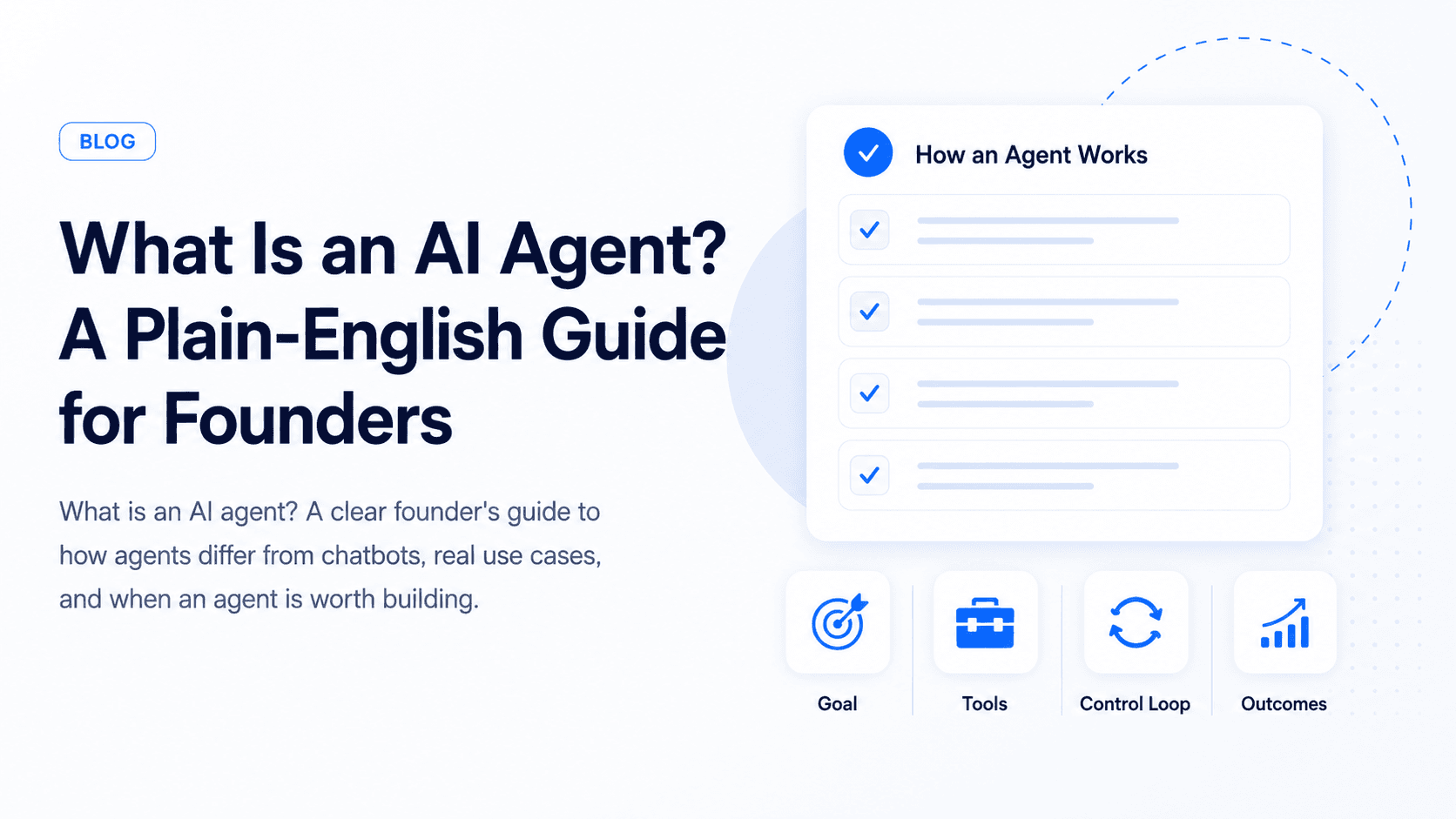
The three parts of every useful agent
1. A goal
Examples: "resolve this refund request," "qualify this lead," "prepare tomorrow's standup summary."
The goal should be specific. "Help with sales" is too broad. "Research this inbound lead, enrich the CRM record, and draft a follow-up email" is specific enough to design and test.
2. Tools
APIs, databases, browsers, internal scripts: anything the agent can call to affect the real world.
Common tools include:
- CRM APIs
- Calendars
- Email systems
- Ticketing tools
- Databases
- Search indexes
- File storage
- Payment or billing APIs
- Internal admin actions
Tools are where agents become powerful and risky. Reading a help article is low risk. Refunding a payment, deleting data, or emailing customers needs stronger controls.
3. A control loop
Plan → act → observe → adjust. The loop is what separates agents from one-shot prompts.
A simple agent loop looks like this:
- Understand the goal
- Decide which information is needed
- Retrieve data or call a tool
- Review the result
- Decide the next step
- Stop, answer, or escalate
The loop should not run forever. Production agents need limits: maximum steps, timeouts, allowed tools, and escalation rules.
What makes an agent production-ready?
A demo agent can be impressive with only a prompt and a few tools. A production agent needs more.
Production basics:
- Clear scope
- Permission-aware tool access
- Structured outputs
- Logging and audit trails
- Human approval for risky actions
- Evals and test cases
- Monitoring for failures
- Safe fallback behavior
- Ownership after launch
If the agent touches customer data, money, legal commitments, healthcare, or public communication, these controls become mandatory.
Memory and context
People often assume agents need "memory." Sometimes they do, but not always.
There are different kinds of context:
- Session context: what happened in the current conversation
- User context: account, role, preferences, history
- Business context: policies, docs, pricing, product data
- Task context: current workflow state and tool results
The safest approach is to retrieve the context the agent needs at runtime instead of letting it remember everything loosely. This keeps answers fresher and permissions easier to enforce.
Human-in-the-loop approval
Good agents do not automate every decision immediately. They use humans where risk is high.
Human approval is useful for:
- Refunds
- Contract or legal language
- Medical, financial, or safety guidance
- Account deletion
- Customer-facing emails
- Data changes that are hard to reverse
The agent can still save time by preparing the summary, recommendation, and draft action. The human makes the final call.
Common founder use cases
- Customer support: pull order history, apply policy, draft a reply, escalate exceptions
- Revenue ops: enrich leads, update CRM fields, schedule follow-ups
- Internal knowledge: gather docs, summarize decisions, post to Slack
Other practical use cases:
- Recruiting: summarize candidates, draft outreach, schedule interviews
- Finance ops: categorize invoices, flag anomalies, prepare reconciliation notes
- Marketplace ops: review listings, detect missing fields, route disputes
- Healthcare admin: book appointments, send reminders, escalate medical questions
- Automotive sales: qualify buyers, recommend vehicles, update CRM notes
The strongest use cases have repeatable work, clear data sources, and measurable outcomes.
We have shipped agent-style systems across products, including internal tooling described in our Ownex HQ case study.
What does an AI agent cost?
Cost depends on scope. A narrow agent that handles one workflow is much cheaper than a platform with many tools, roles, evals, and dashboards.
Cost drivers include:
- Number of tools and integrations
- Data quality and retrieval needs
- Human approval flows
- Admin dashboard requirements
- Security and permissions
- Evals and monitoring
- Voice or realtime requirements
- Ongoing iteration after launch
For most founders, the right first version is a narrow workflow that proves value before expanding.
When you do not need an agent
Skip the agent route if:
- Answers live in a static FAQ
- No external systems need to be updated
- Latency and cost must be minimal on every request
In those cases, retrieval-augmented chat or simple automation (Zapier/n8n) is often enough.
Also skip agents when the business process is not clear yet. If your team cannot explain how a human should handle the workflow, the agent will not magically solve it. First document the process, then automate the parts that repeat.
How to decide if you need an agent
Ask these questions:
- Does the workflow require multiple steps?
- Does it need to use tools or update systems?
- Does the input vary from case to case?
- Would a human normally inspect context before acting?
- Can you define success and failure clearly?
- What happens if the agent is wrong?
- Which actions need approval?
If the answer is mostly "no," start with a chatbot, RAG search, or standard automation. If the answer is mostly "yes," an agent may be the right architecture.
A practical rollout plan
Phase 1: Assistant mode
Let the agent draft, summarize, classify, or recommend while humans approve actions.
Phase 2: Controlled actions
Allow low-risk tool calls like creating tickets, adding tags, or updating non-sensitive fields.
Phase 3: Workflow ownership
Let the agent handle more of the workflow after evals, logs, and human review show it is reliable.
Phase 4: Scale and harden
Add dashboards, monitoring, role-based access, regression tests, and deeper integrations.
Watch: agents in plain language
Where to go next
If you are deciding between a chatbot, workflow automation, or a full agent, start with the business outcome, not the buzzword. Talk to our team about the smallest version that proves value in two weeks.
Explore our services to see how we design, build, and harden AI systems for production.