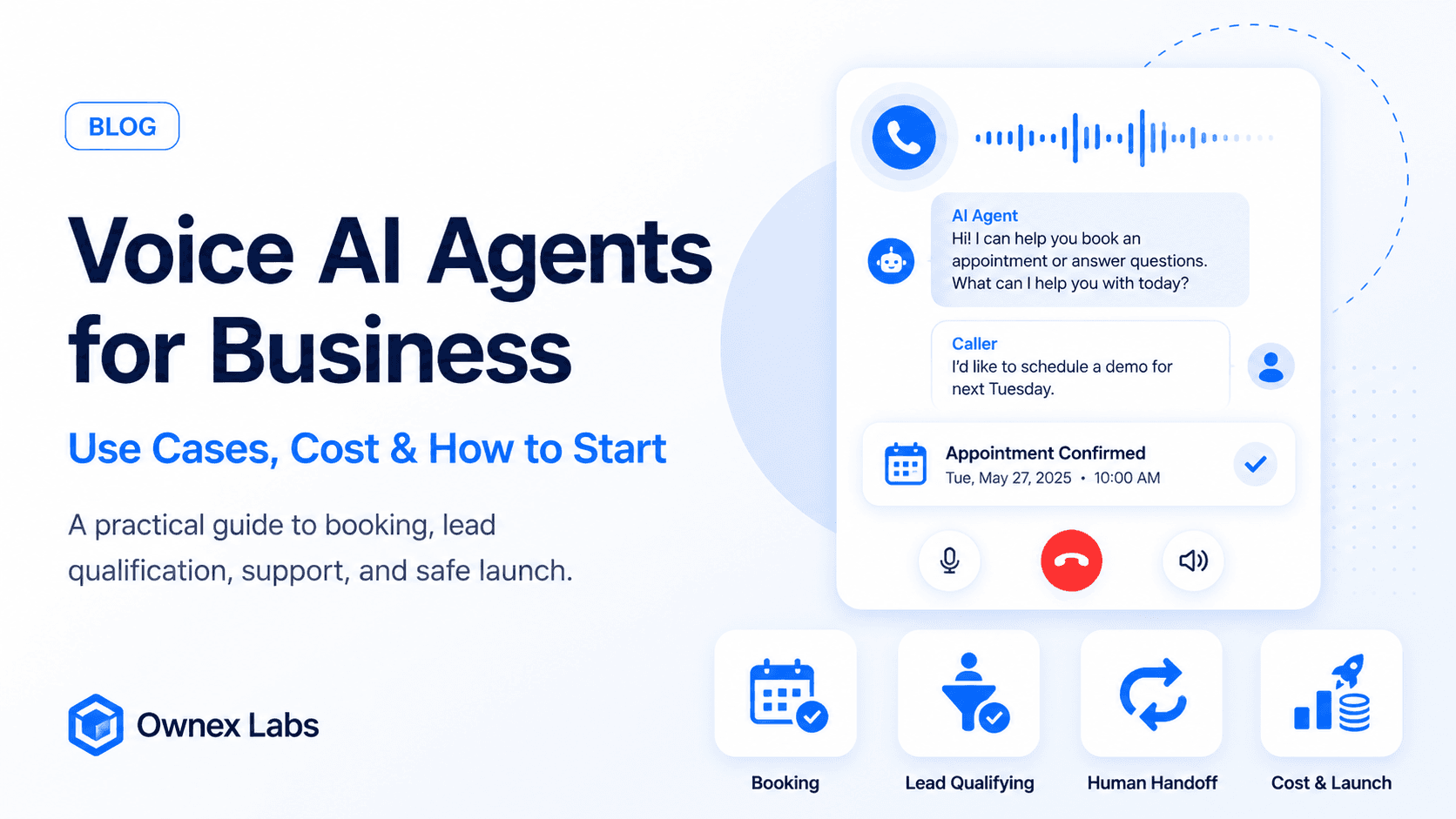
Voice AI agents are moving from demos to real business workflows. They can answer calls, qualify leads, book appointments, confirm details, and hand off complex issues to humans.
If you are exploring a voice AI agent for business, start with a narrow workflow where speed, availability, and consistency matter.
The best first use case is usually not "replace the phone team." It is a specific call type that happens often, follows a repeatable script, and has a clear handoff point when the caller needs a human.
Common voice AI use cases
Appointment booking
Clinics, salons, service businesses, and agencies can use voice agents to answer calls, check availability, book appointments, and send confirmations.
The agent should confirm the caller's name, service, preferred time, contact number, and any preparation details. It should also repeat the booking clearly before ending the call.
Lead qualification
Real estate, automotive, insurance, and B2B companies can qualify inbound leads before a sales rep spends time on them.
For lead qualification, the agent should collect intent, budget, timeline, location, and contact preference. The result should land in the CRM as a structured lead summary, not just a raw transcript.
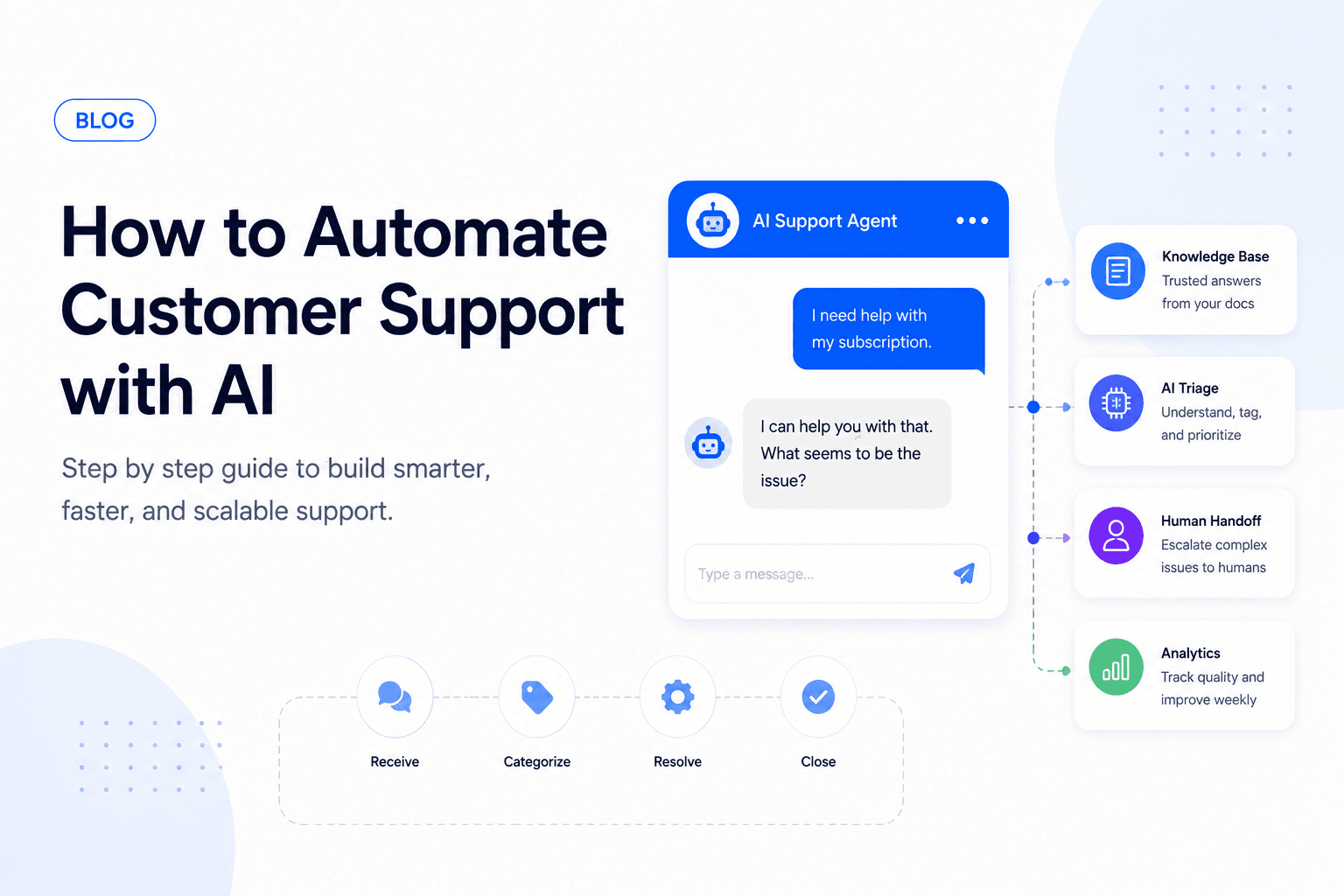
Customer support triage
Voice agents can identify the issue, pull basic account context, answer simple questions, and route complex requests to the right team.
This works best when the agent has clear categories and escalation rules. Billing disputes, angry callers, legal questions, and account access problems should move to humans quickly.
Reminders and confirmations
Businesses can automate appointment reminders, payment reminders, delivery updates, and event confirmations.
Reminder calls should be short, opt-out friendly, and easy to confirm. If the caller wants to reschedule or asks a complex question, the workflow should route them to the right next step.
What a good voice agent call flow includes
A production voice agent needs more structure than a demo script.
A strong call flow defines:
- Opening message and disclosure
- Caller identity or contact confirmation
- The exact information the agent must collect
- Systems the agent can read from or write to
- Questions the agent should ask
- Phrases that trigger human handoff
- How to handle silence, interruptions, and unclear answers
- How the call should end
- What summary should be sent to the team
Voice is unforgiving. If the agent sounds confused, talks too long, or fails to recover from interruptions, callers lose patience faster than they would in chat.
Integrations that matter
Voice AI becomes useful when it connects to the tools your team already uses.
Common integrations:
- Phone or telephony provider
- CRM
- Calendar or booking system
- Support ticketing tool
- Patient, customer, or order database
- WhatsApp, SMS, or email confirmation
- Analytics and call recording system
Start with the one or two systems required for the first workflow. Too many integrations create launch risk before the agent has proven value.
Latency and conversation quality
Voice AI is more sensitive to latency than text chat. A one-second delay in chat is normal. A one-second delay on a phone call can feel awkward.
Watch for:
- Slow speech-to-text
- Long model responses
- Text-to-speech delay
- Interruptions not being handled
- Background noise
- Caller accents or mixed languages
- The agent speaking too much before listening
Good voice agents keep responses short, ask one question at a time, and confirm important details before taking action.
Human handoff
Handoff should be part of the workflow, not a failure state.
Transfer or notify a human when:
- The caller asks for a person
- The caller is upset
- The request involves money or legal risk
- The agent cannot verify the caller
- The caller gives unclear or conflicting information
- The workflow is outside the approved scope
A good handoff includes the transcript, summary, caller intent, collected details, and reason for escalation. The human should not have to ask the caller to start over.
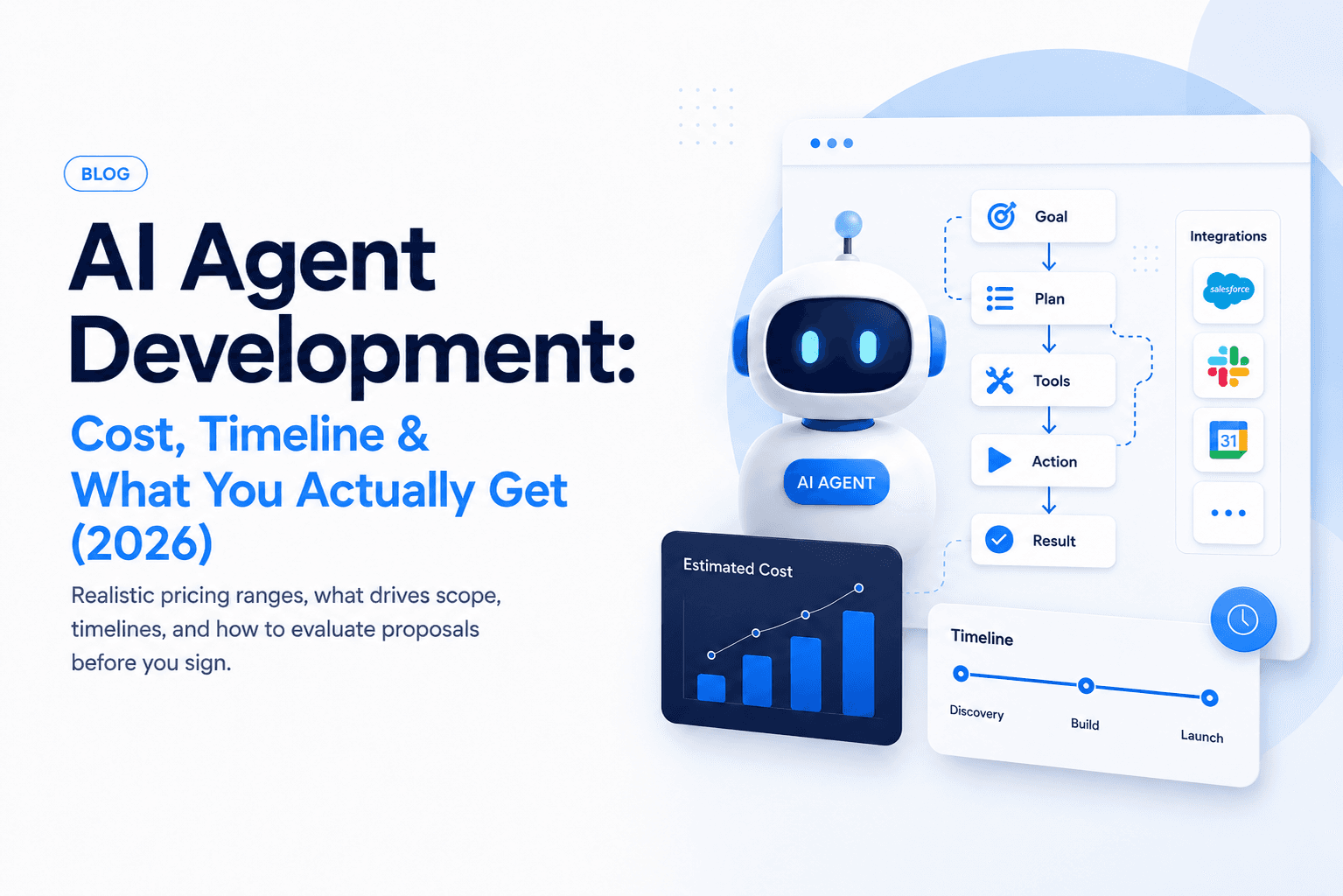
What affects voice AI cost?
Voice AI is more complex than text chat because it involves telephony, speech-to-text, text-to-speech, latency, interruptions, and call reliability.
Typical cost drivers include:
- Number of call flows
- CRM, calendar, or ticketing integrations
- Supported languages and accents
- Human handoff requirements
- Call recording, transcripts, and compliance needs
- Testing volume before launch
For a focused first version, many businesses start in the $10k to $30k range. Larger systems with multiple workflows and integrations can move into $40k to $100k+.
Ongoing costs can include:
- Phone numbers and call minutes
- Speech-to-text usage
- Text-to-speech usage
- LLM usage
- Hosting and workflow execution
- Call recording and storage
- Monitoring and maintenance
High call volume can make optimization worthwhile, but early projects should focus on call quality and workflow reliability first.
Compliance and caller trust
Voice workflows can involve sensitive information. Before launch, define what the agent is allowed to collect, store, and say.
Important checks:
- Call recording consent
- Local telemarketing or messaging rules
- Data retention policy
- Access control for transcripts
- Sensitive information redaction
- Clear opt-out paths
- Approved language for regulated topics
For healthcare, finance, legal, or insurance workflows, keep the first version administrative unless the right compliance and professional review is in place.
How to start safely
- Pick one call type
- Write the ideal conversation flow
- Define when the agent must transfer to a human
- Connect only the systems needed for that flow
- Test with real transcripts before launch
- Monitor calls and improve the prompt weekly
Testing before launch
Test with more than perfect calls. Include:
- Fast speakers
- Noisy backgrounds
- Callers who interrupt
- Wrong phone numbers
- Unclear appointment requests
- Angry callers
- Out-of-scope questions
- Silent callers
- People who change their mind mid-call
Listen to recordings and review transcripts before enabling the agent for real customers.
Metrics to track
Measure business outcomes, not just call volume.
Track:
- Answer rate
- Call completion rate
- Successful bookings or qualified leads
- Transfer rate
- Average call duration
- Caller drop-off points
- Incorrect summary rate
- Human takeover reasons
- Cost per completed workflow
- Customer satisfaction, if collected
What not to automate first
Avoid starting with disputes, medical advice, legal decisions, cancellations with financial impact, or anything where a bad answer can cause serious harm.
Start with scheduling, qualification, reminders, and basic support. Expand after you trust the system.
A practical rollout plan
Phase 1: Internal test line
Run the voice agent on a private number and test real call scenarios with your team.
Phase 2: Limited live workflow
Route one low-risk call type to the agent, such as appointment confirmation or basic lead capture.
Phase 3: System integration
Connect CRM, calendar, ticketing, or database actions once the conversation flow is stable.
Phase 4: Expand call types
Add more workflows only after you have call data, quality metrics, and reliable handoff.
Ready to test voice AI?
Ownex Labs can help you scope a voice AI agent for booking, support, or lead qualification. Contact us and we will map the smallest workflow worth automating.