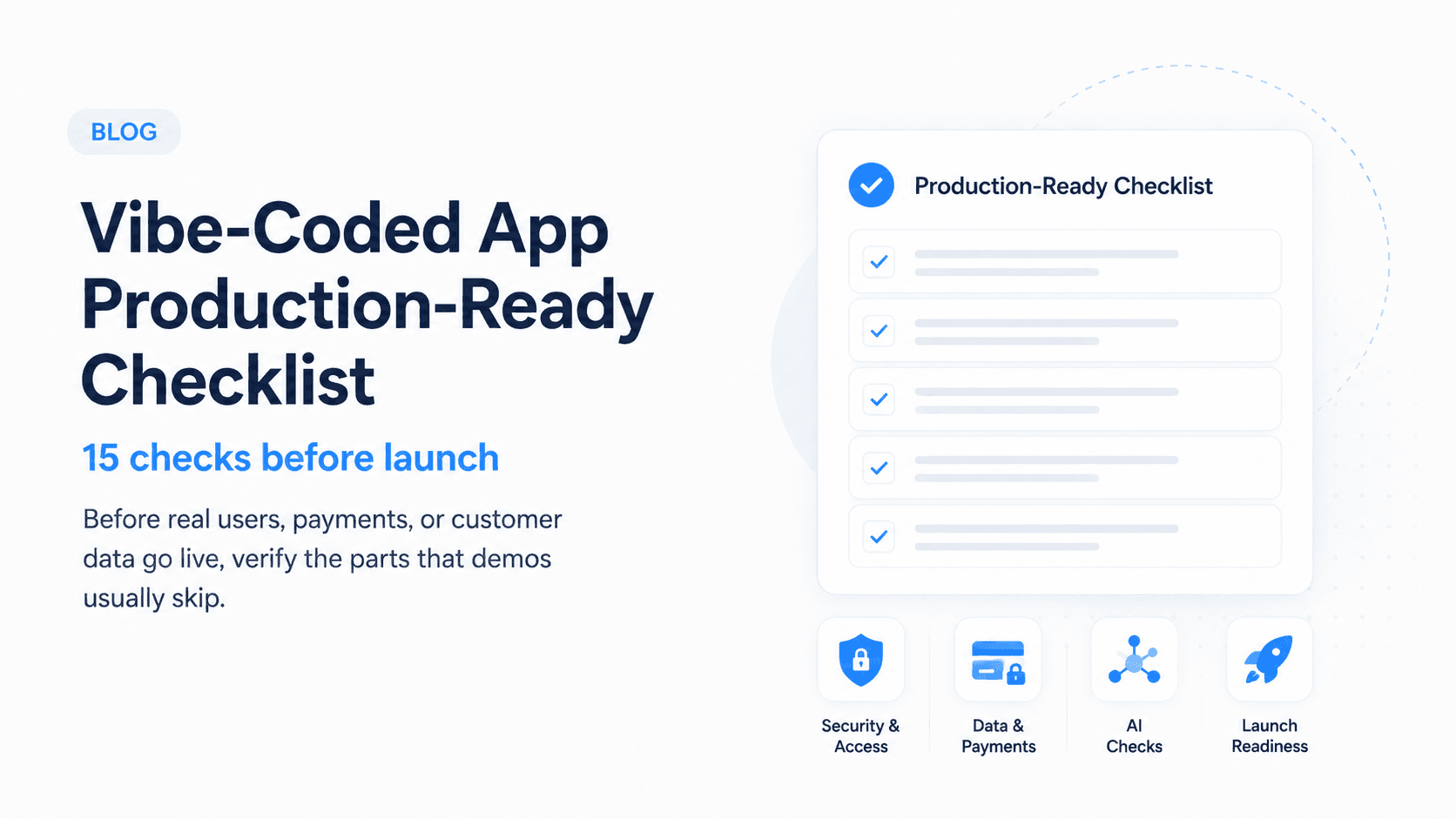
Vibe coding is great for getting a working prototype fast. Production is different. Before you put real users, payments, or customer data behind a vibe-coded app, you need to verify the parts that demos usually skip.
Use this vibe coded app production ready checklist before launch, investor demos, or handoff to an engineering team.
The goal is not to shame fast prototypes. Fast prototypes are useful. The goal is to separate "it works on my machine" from "we can safely put customers on this."
Why vibe-coded apps need a production pass
AI-assisted coding tools are excellent at creating screens, wiring APIs, and moving quickly from idea to demo. They are weaker when the requirements are invisible:
- What should happen when a webhook fires twice?
- Can one user access another user's data?
- What happens if payment succeeds but database writing fails?
- Who gets alerted when a background job breaks?
- How do you roll back a bad release?
These are production questions. They rarely show up during a demo, but users will find them quickly.
The 15-point production checklist
1. Authentication works across real user flows
Test signup, login, password reset, logout, expired sessions, and protected routes. A production app should never rely on hidden UI alone to protect private pages.
Also test the awkward paths:
- User opens a protected link while logged out
- Session expires while a form is open
- User changes password in another tab
- Deleted or disabled account tries to log in
- OAuth callback fails or is cancelled
2. Authorization is enforced on the backend
Users should only access their own records, projects, teams, invoices, and files. Check this at the API and database layer, not just in React components.
This is one of the most common vibe-coded app risks. If changing an ID in the URL lets a user view another user's record, the app is not production-ready.
3. Environment variables are separated
Local, staging, and production should use different secrets, API keys, database URLs, and webhook endpoints. Never ship .env files to the client or repository.
Check that:
- Production keys are not used locally
- Test payment keys are not used in production
- Public environment variables contain only public values
- Old keys are rotated after sharing or demos
- Webhook secrets are different by environment
4. Inputs are validated
Forms, API payloads, webhook bodies, file uploads, and AI prompts need validation. Assume users and bots will send malformed data.
Validation should happen on the server even if the frontend already validates. The server should reject missing fields, invalid enum values, oversized payloads, unsafe file types, and unexpected user IDs.
5. Errors are visible to the team
You need logging, alerting, and enough request context to debug issues after launch. Silent failures are one of the fastest ways to lose trust.
At minimum, you should know:
- Which route failed
- Which user or account was affected
- Which external service failed
- Whether the error is repeating
- Whether money, data, or account access is involved
Do not log secrets, raw payment details, or sensitive personal data just to make debugging easier.
Reliability and background jobs
Many prototypes only test the happy path. Production apps also need to handle retries, timeouts, and partial failures.
Check:
- Email sending failure
- Payment webhook retry
- API rate limit
- Long-running task timeout
- Duplicate form submission
- Browser refresh during checkout
- Background job crash
If an action matters, it should be safe to retry or recover.
Data and payments
6. The database has constraints
Use unique indexes, required fields, foreign keys where appropriate, and migrations. Do not depend only on frontend validation.
Good constraints prevent duplicate accounts, orphaned records, invalid states, and data that looks fine in the UI but breaks reporting later.
7. Backups are enabled
Production data needs automatic backups and a basic restore plan. If you cannot restore, you do not have a backup strategy.
Ask:
- How often are backups taken?
- How long are they retained?
- Who can restore them?
- Has a restore ever been tested?
- What happens if the database is accidentally deleted?
8. Payments are tested in edge cases
Test failed payments, duplicate webhook events, cancelled subscriptions, refunds, plan upgrades, and invoices.
Payment systems should be idempotent. If Stripe, Paddle, or another provider sends the same webhook twice, your app should not create duplicate subscriptions, credits, or invoices.
9. Sensitive data is minimized
Do not store secrets, raw payment data, or unnecessary personal data. If you do not need it, do not collect it.
Review every table and storage bucket. Remove fields that are convenient but unnecessary. The safest sensitive data is data you never stored.
AI-specific checks
10. Prompts are versioned
Store important prompts in code or a managed prompt system so changes can be reviewed and rolled back.
If a prompt change can affect customer behavior, treat it like code. Track what changed, why it changed, and how it was tested.
11. AI outputs are constrained
Use structured outputs, retrieval boundaries, tool permissions, and human approval for risky actions.
Vibe-coded AI features often work well in demos because the input is friendly. Production users will send vague, angry, off-topic, adversarial, or incomplete messages.
Constrain:
- Output schemas
- Allowed tools
- Retrieval sources
- Customer data access
- Actions that require approval
- Refusal and escalation rules
12. There is an evaluation set
Keep a small set of realistic user inputs and expected outcomes. Run it before changing prompts, models, or retrieval logic.
Include:
- Normal user requests
- Missing-context requests
- Prompt injection attempts
- Private-data requests
- Bad formatting cases
- Tool failure scenarios
- Questions the model should refuse
Security review
Before launch, do a basic security pass even if the app is small.
Look for:
- Public storage buckets
- Exposed API keys
- Missing CSRF or origin checks where relevant
- Unprotected admin routes
- Overly broad database policies
- Unsafe file uploads
- Debug routes left enabled
- Console logs with secrets or tokens
Security issues are easier to fix before the first real customer signs up.
Launch readiness
13. Core flows work on mobile
Landing pages, onboarding, dashboards, forms, and checkout should work on common mobile widths.
Do not only test the landing page. Test the full revenue or activation path on mobile: signup, onboarding, core action, checkout, confirmation, and support contact.
14. Deployment is repeatable
Anyone on the team should be able to deploy with documented steps, rollback instructions, and environment checks.
Production deployment should not depend on one person's memory. Document:
- Build command
- Environment variables
- Migration steps
- Release checklist
- Rollback process
- Smoke tests after deploy
15. Ownership is clear
Know who owns uptime, bug triage, support, analytics, infrastructure costs, and product decisions after launch.
If nobody owns it, the app will drift. Dependencies get old, logs go unread, support issues pile up, and small bugs become product risk.
What a production audit should produce
A useful audit should not just say "clean up code." It should produce a prioritized action plan.
You should get:
- Critical launch blockers
- Security and data risks
- Broken or fragile user flows
- Payment and webhook issues
- AI-specific risks, if applicable
- Quick fixes
- Larger refactors
- Suggested launch sequence
The output should make it clear what must happen before launch and what can wait until after the first real users.
What to do if you fail the checklist
Failing the checklist does not mean the app is bad. It means it is still a prototype. The fastest path is usually:
- Fix security and data ownership risks first
- Stabilize the core revenue or user workflow
- Add monitoring and backup basics
- Polish UX only after the system is safe to use
You do not need to fix everything at once. The right order is risk-based:
- Protect user data first
- Protect payments and account access next
- Stabilize the core workflow
- Add observability
- Improve UX and polish
That sequence turns a vibe-coded app into something a team can actually operate.
If you have a vibe-coded product that needs to become real software, book a production audit. We will identify launch blockers and map the smallest safe path to production.